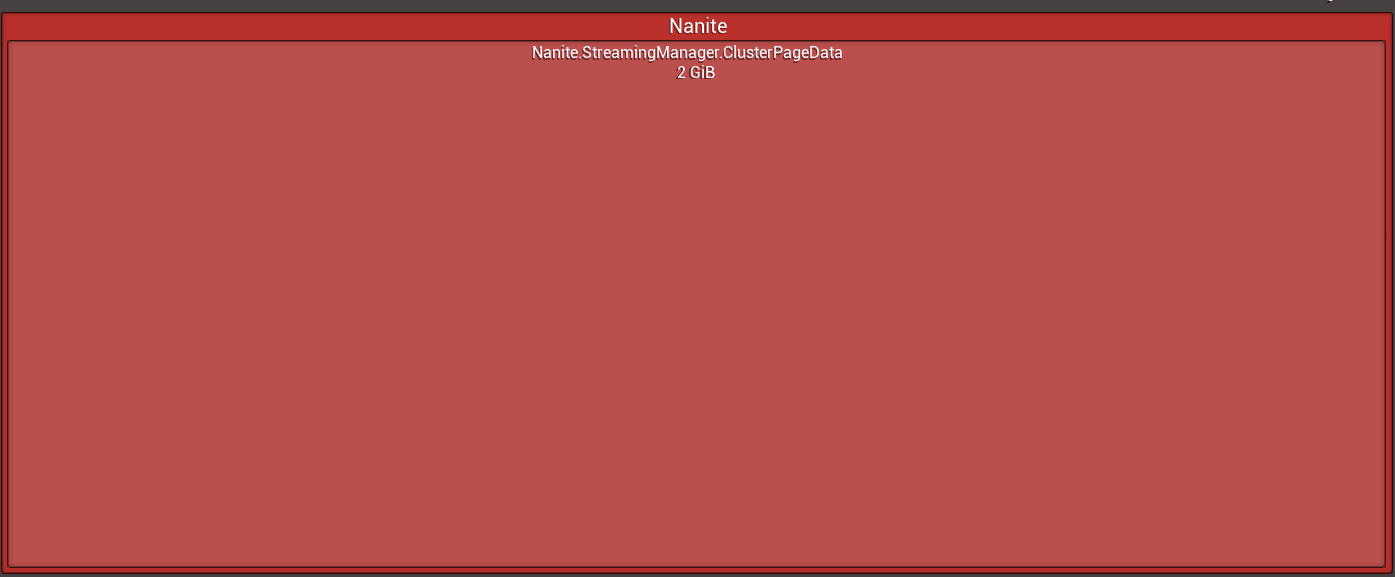
A project can show a large Nanite streaming allocation even on an apparently empty level. Compare the exact engine build first: the discussion found a 2 GB allocation in a launcher build and a smaller allocation in a custom build, while unused marketplace content was another possible source of differences.
Useful diagnostic variables include r.Nanite.Streaming.StreamingPoolSize, r.Nanite.Streaming.NumInitialImposters, and r.Nanite.Streaming.NumInitialRootPages. Compare them between projects rather than changing them blindly. Disabling r.Nanite.Streaming.DynamicallyGrowAllocations can expose an out-of-root-pages condition and show whether the initial allocation is the limiting factor.
These settings help investigate the cause; they are not a confirmed universal memory fix. Record the engine build, project content, and CVar values before comparing results.
Reference screenshots